

Top RF Interference Detector Insights for Industrial Use - Drone-System
Why an RF Interference Detector Is Essential in the Industrial Sector
After spending more than a decade dealing with all sorts of industrial equipment, I've come to see how even the smallest invisible element, like radio frequency interference, can throw off complex operations. Honestly, RF interference is a sneaky beast — if you haven't measured and monitored it properly, it can wreak havoc, sometimes subtly, sometimes catastrophically.
I still remember one particular project in a manufacturing plant. The operators were facing intermittent faults with their wireless sensors, causing production delays nobody could explain. Enter the RF interference detector. With that device, we pinpointed some rogue transmitters masking the signals. Getting a crisp read on RF allowed the engineers to recalibrate and isolate the problem fast — a textbook case proving how indispensable such tools are.
Understanding RF Interference Detectors
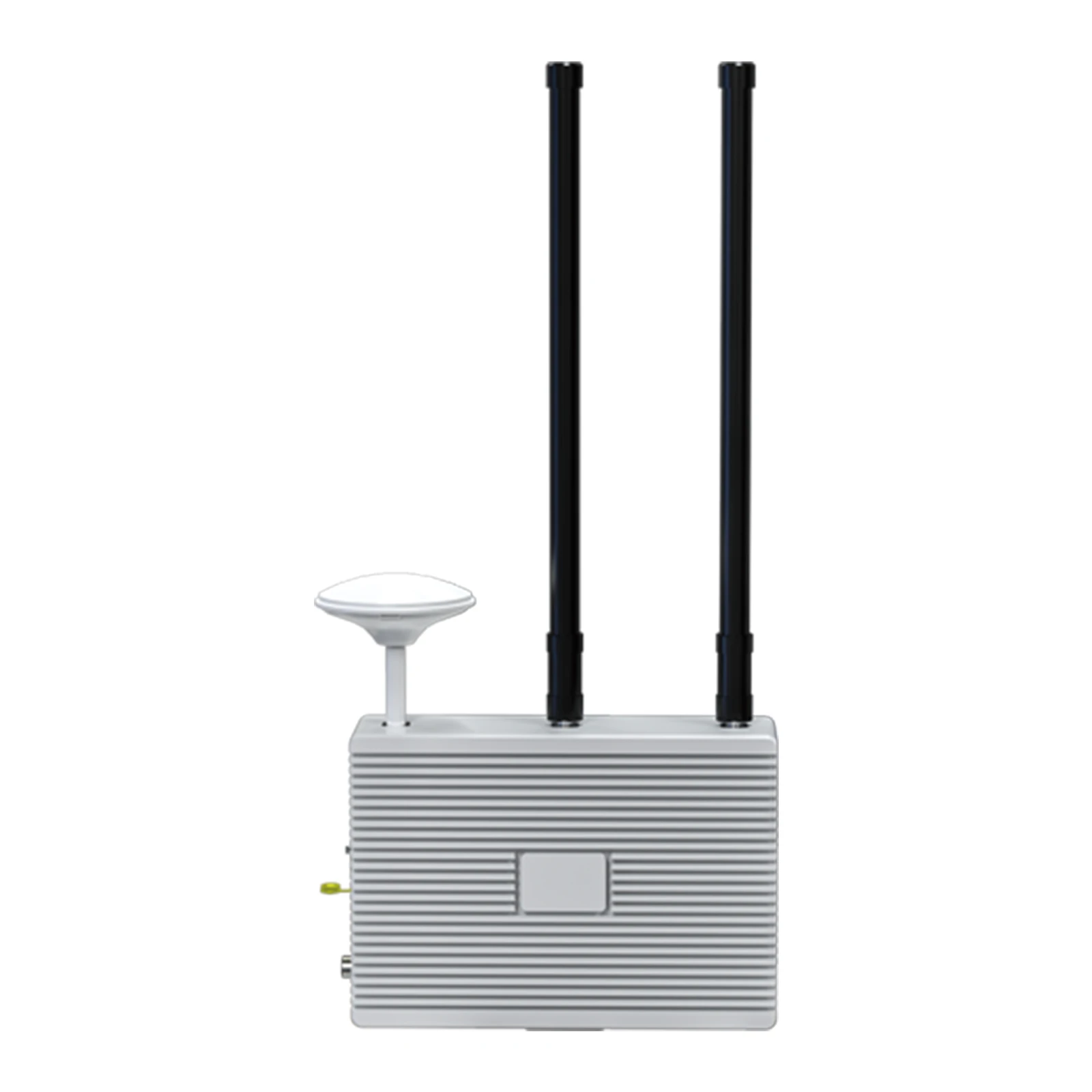
So, what exactly is an RF interference detector? Simply put, it’s a specialized instrument designed to identify and measure electromagnetic interference emitted by various electronic devices. Industrial environments, cluttered with machines, PLCs, wireless transmitters, and even drone systems, tend to be hotbeds for RF noise. Without monitoring, these disturbances can lead to data corruption, signal drops, or worse — miscommunications in safety systems.
Over the years, I've noticed manufacturers focusing heavily on the design and sensitivity of these detectors. For instance, the antenna quality, frequency range coverage, and signal resolution make a big difference. Some models cover a broad spectrum (from a few kHz up to several GHz), while others zero in on specific bands critical for particular industrial applications.
Frankly, picking a detector isn't just about spec sheets. You want a device that’s rugged enough to survive the harsh shop floor yet intuitive enough for quick, on-the-go diagnostics. A good display, battery life that can keep up with long shifts, and sometimes even data logging are important practical considerations.
| Feature | Details |
|---|---|
| Frequency Range | 20 kHz – 6 GHz |
| Sensitivity | -120 dBm |
| Display | LCD with Spectrum Analyzer |
| Battery Life | 8 hours typical use |
| Data Logging | USB Export |
| Weight | 450 grams |
Comparing Top RF Interference Detectors Vendors
In my experience, no two vendors approach these devices quite the same way. Let’s quickly compare some key players often found on industrial floors:
| Brand | Frequency Range | Portability | Ease of Use | Price |
|---|---|---|---|---|
| Drone-System | 20 kHz–6 GHz | High – handheld, lightweight | User-friendly interface, touch display | Mid-range |
| TechnoScan | 100 kHz–3 GHz | Moderate, handheld but heavier | Requires some training | Higher |
| ElectroSense | 30 kHz–4.5 GHz | High | Simple UI but fewer advanced features | Lower |
What I appreciate about the Drone-System offerings is their balance between sensitivity, durability, and user experience. It really fits the needs of field engineers who need quick diagnostics without fumbling through complicated menus.
It's kind of interesting how these detectors are evolving, especially as wireless tech in factories expands — IoT sensors, automated guided vehicles, and even drones themselves introduce new interference challenges. The devices have gotten smarter, incorporating algorithms to filter false signals and even to localize interference sources with better precision.
One last thing: don’t underestimate the value of training your team on how to effectively use these tools. I’ve often seen companies buy the fanciest detectors but fail to extract actionable insight simply because their operators didn’t get the drill. A detector by itself doesn't fix problems — it’s a piece of the wider strategy in industrial RF management.
All told, an RF interference detector isn’t just a nice-to-have; in real terms, it’s a safeguard against the invisible chaos of electromagnetic noise — one that industrial operators can't afford to ignore.
References:
1. Industrial Wireless Networks, 3rd Edition, William Stallings.
2. FCC Guidelines on Electromagnetic Interference.
3. Case Studies on RF Interference Resolution - Drone-System Technical Docs.

-
 09 March 2021 16 Apr 2026
 -
 09 March 2021 09 Apr 2026
 -
 09 March 2021 07 Apr 2026
 -
 09 March 2021 04 Apr 2026
 -
 09 March 2021 31 Mar 2026
-
 09 March 2021 21 May 2025
 -
 09 March 2021 25 Dec 2024
 -
 09 March 2021 14 Oct 2022
-
 09 March 2021 25 Dec 2024
 English
  Arabic
  Belarusian
  Danish
  Dutch
Dutch  French
  German
  Greek
Greek  Japanese
  Korean
  Myanmar
  Polish
  Portuguese
  Russian
  Spanish
  Swedish
  Thai
Thai  Ukrainian
  Vietnamese